AI TOOL / #07070
TranslateAir
AI-driven translation and OCR tools suitable for macOS.
Introduction
AI-powered translation & OCR tool for macOS.
What is TranslateAir?
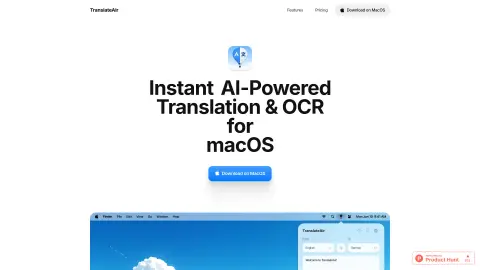
TranslateAir is an AI-powered translation and Optical Character Recognition (OCR) tool designed for macOS. It enables users to instantly translate text from any application, website, or document. Its features include a real-time floating toolbar, intelligent rewriting options, customizable shortcuts, access via the menu bar, as well as advanced OCR capabilities that allow users to capture text from anywhere.
How to use TranslateAir?
Select text from any application, website, or document. A floating toolbar will immediately appear beside it, making the translation process extremely easy. You can also use custom keyboard shortcuts to initiate translations or perform OCR operations.
The core functions of TranslateAir
AI-driven translation
Intelligent rewriting
pop-up translation
Text OCR extraction
keyboard shortcuts
Multi-language support
Related
Moxo AI Answers – Image Scanner & Work Tutor
Google Sheets plug-in that provides AI-driven content generation, data analysis, and translation capabilities.
Dropgala
AI-based screenshot management and sharing platform with advanced organization and security features.
Argus
Neuron Q provides artificial intelligence solutions, including gun detection systems for enhanced safety.
Hana
An AI-powered tool designed to enhance team productivity and automate work processes, Google Chat Assistant offers valuable support in this regard.
hahaOCR
Extract text from the image; press the ESC key to exit.
Savey
Savey searches for the cheapest suppliers in order to find the lowest price for the product.