AI TOOL / #07230
hahaOCR
Extract text from the image; press the ESC key to exit.
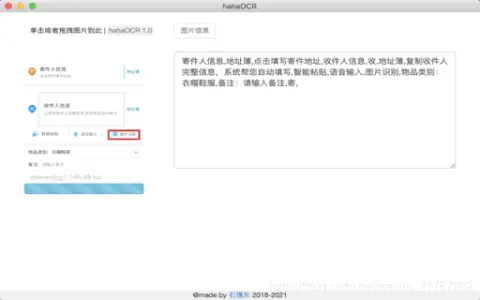
Introduction
Extract text from images and exit with ESC.
What are the Image to Text and ESC Exit App AI Chrome extensions/plugs?
This application allows users to extract text from images and convert it into editable text. Users can upload images by clicking a button and exit the application by pressing the “ESC” key.
How to use the Image to Text & ESC Exit App AI Chrome extension/plug-in?
Click the upload button to select an image. The application will automatically extract the text from the image and display it. Press the “ESC” key to exit the application.
The core functionality of the Image to Text and ESC Exit App AI Chrome extension/plugin.
Image to Text conversion
Use the ESC key to exit the function.
Related
Teaflask
Equipping one's own products with intelligent AI assistants that can actually get things done
Zethos
To help you remember who promised what to whom.
Acquisity
服务业从获客到收款的 AI 工作台
Glassmail
本机 AI 的 Mac 原生邮件客户端
TeaserKit
让编程智能体替你导演产品发布视频
Emly Labs
Emly Labs provides a no-code artificial intelligence framework for building chatbots, predictive models, and data preparation.