AI TOOL / #07146
ImageToText
An extension that copies text from images on the internet via the OCR.Space API.
Introduction
An extension to copy text from images on the internet using OCR.Space API.
What is the OCR.Space API AI Chrome extension/plugin?
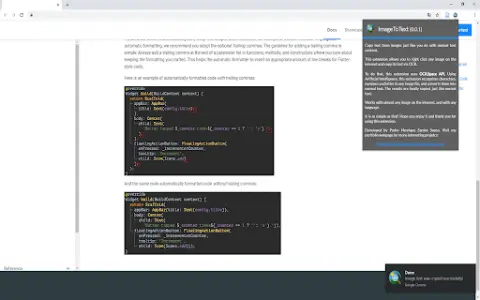
This extension lets you copy text from any image on the internet just like regular text content. Simple—that's the goal of this app. Just right-click the image, select “Copy Image Text,” and you're done… You can use and paste the text you see in that image. It's very useful for extracting text from informative, entertaining, and code-block images. Now you don't have to rewrite everything—with this extension, the problem is solved. To process images, this extension uses the OCR.Space API.
How do I use the OCR.Space API AI Chrome extension/plugin?
Right-click an image, select "Copy Image Text," and then paste the extracted text.
Core features of the OCR.Space API AI Chrome extension/plugin
Copy text from images on the internet.
Related
Baidu Cloud Disk
Baidu Cloud Storage
Removing the core from the fruit
Sharing of high-quality software
Baidu Zhidao
Baidu Q&A
V2EX
Community of creative professionals
CleanYourTV
You spend thousands of dollars to buy a TV, but you have to watch ads first when you turn it on? Moreover, the complex operation is very unfriendly to the elderly at home. Recently, a big boss developed a project: let AI clean up all the Android TV homepage and advertisements. CleanYourTV The main functions of CleanYourTV are
LibTV
LibTV is a professional AI video creation platform launched by Liblib AI on March 18, 2026. It integrates 30+ top-level AI video models, supports dual entrances for humans and AI Agents, and covers the entire process from script to finished film, allowing you to be "like a director."