AI TOOL / #07092
BlackboxAI
A browser extension that utilizes real-time encoding for assistance.
Introduction
Browser extension for real-time coding assistance.
What is the BLACKBOX AI Extension – an AI add-on/plug-in for Chrome?
BLACKBOX AI Extension is a tool designed to enhance your coding workflow by providing real-time assistance with code-related questions and suggestions. It is seamlessly integrated into your browser and GitHub, offering features such as code chat, context-aware answers, and OCR (Image-to-Text) functionality.
How to use the BLACKBOX AI Extension for Chrome?
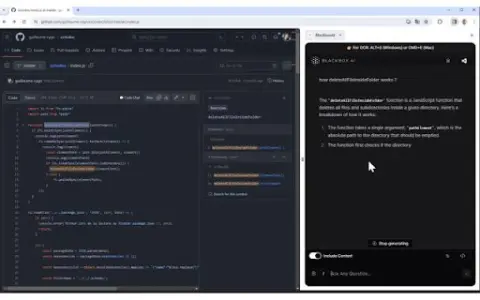
You can use the BLACKBOX AI extension via the browser icon, keyboard shortcuts, or directly within GitHub. Use Code Chat to get answers to common coding questions; enable the “Include Context” option to ask about issues related to the current page, and click the “Code Chat” button on GitHub to inquire about specific code repositories. The OCR function can be activated by pressing CTRL+E (on Windows) or CMD+E (on Mac).
The core functionality of the BLACKBOX AI extension for Chrome.
Code chatting feature assisted by real-time encoding
Answering Questions Based on Context Awareness
Specific code assistance integrated with GitHub
OCR (Image to Text) Function
Related
Blync
A browser extension designed for linking to preview functions, performing selective searches, and integrating with AI assistants.
RecordAi
RecordAi is a WhatsApp assistant that allows you to set reminders through conversations.
texti
AI tools enhance the quality of content through image generation and content assistance.
Type Whisperer Ai
AI-based personality analysis platform providing MBTI, Enneagram and compatibility insights.
NextThreeBooks
AI-powered personalized book recommendations – tailored to meet your reading preferences.
MindOS
A platform used for creating and integrating AI agents as well as personal AI assistants.