AI TOOL / #07091
ScreenRedact
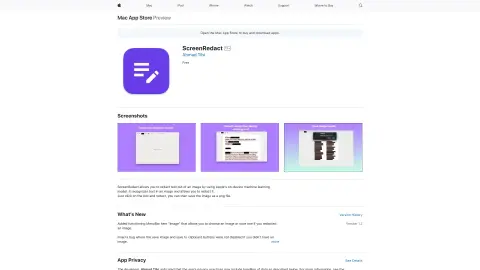
A Mac application designed to use local machine learning techniques to identify and highlight text within images.
Introduction
Mac app for redacting text in images using on-device machine learning.
What is ScreenRedact?
ScreenRedact is a Mac application developed by Ahmad Tibi that allows users to quickly conceal sensitive information from images. It utilizes Apple’s native machine learning technology to identify text within images and provides a user-friendly interface for masking those areas. The modified images can then be saved in PNG format.
How to use ScreenRedact?
Open an image in ScreenRedact, and the application will automatically detect any text present. Click on the text to darken it. Save the darkened image as a PNG file.
The core functions of ScreenRedact
Using Apple’s native machine learning technologies for text masking/darkening.
Save the image in PNG format.
Copy the image to the clipboard.
Related
PixPix
Generation of AI-based e-commerce templates and videos
New Vaani
AI-Powered Telephone Voice Agent Development Platform
New Athel AI
AI-assisted patient reception and preliminary data collection during consultations in medical institutions
NewEmbage
Website customer service chat and voice intelligence
New AgentMash
Team-based programming: an intelligent agent collaboration platform for desktop use
The new EveryGen AI
An AI creative studio that integrates video, images, and audio.