AI TOOL / #06861
> godcast
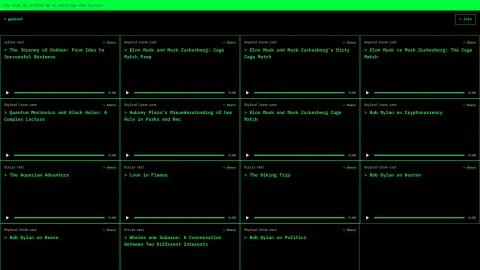
Use AI to generate conversations on any topic and customize the voice used in those conversations.
Introduction
Generate conversations on any topic using any voice with AI.
What is a godcast?
Godcast allows you to create conversations on any topic using whatever voice you desire. Simply describe what you want to produce and click “Generate”. You must be invited by an existing user in order to use this functionality.
How to use Godcast?
Describe the content of the conversation you would like to have, and then click “Generate”. Please note that you need an invitation from an existing user in order to use this generation function.
The core functions of a godcast
AI-driven dialogue generation
Custom sound settings
Flexibility of themes
Related
Voice Control for Disney+
The voice control feature on Disney+ allows you to play, pause, and fast-forward content.
Curley
Curley AI automatically answers calls and schedules appointments for waterproofing companies.
Inbox AI
A macOS application designed for email management and task automation, featuring an AI-driven workflow.
Simple AI Phone Assistant
Simple artificial intelligence utilizes voice-based agents to automatically make calls for purposes such as booking, scheduling appointments, and retrieving information.
AXONscribe
AXONscribe is capable of quickly generating medical records from patient conversations.
Meetingtor: Record online meetings
A Chrome extension designed for recording, transcribing, and summarizing online meetings.