AI TOOL / #06683
VoiceChatter
Convert speech into text in Chatter format.
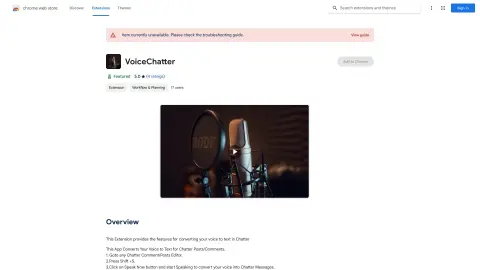
Introduction
Converts voice to text for Chatter posts and comments.
What is the Voice to Chatter Converter AI Chrome extension/plug-in?
This application converts your voice into text for Chatter, allowing you to create messages quickly and easily using voice recognition technology.
How to use the Voice to Chatter Converter AI Chrome extension/plug-in?
1. Open any Chatter comment/posting editor.
2. Press Shift + S.
3. Click the “Speak Now” button and start speaking; your voice will be converted into a Chatter message.
The core functionality of the Voice to Chatter Converter AI Chrome extension/plug-in
Chatter's text-to-speech function
Related
Cygentive
An AI voice assistant designed for automating business telephone operations.
Overhyped AI
AI voice agents for product adoption and customer success.
Flowtica AI,
An AI voice assistant designed to help organize work and daily life, which can be controlled through voice commands and automated functions.
Presto AI
Providing AI-powered automation for drive-thru restaurants to increase labor productivity and revenue.
Pinarify AI
An AI-powered app for note-taking, PDF analysis, and YouTube video summarization.
Empathia AI
Provide clinical doctors with an AI-based charting assistant that automates the process of taking notes and generating charts.