AI TOOL / #05876
Do Browser
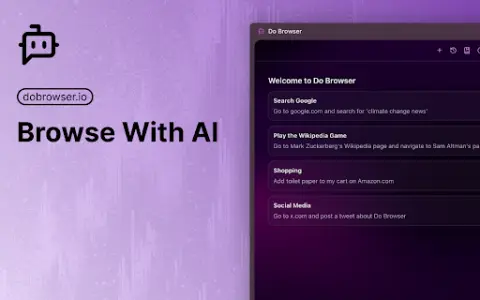
An AI-powered Chrome extension that enables control of the browser via natural language commands.
Introduction
AI-powered Chrome extension for browser control using natural language.
What is a Do Browser AI Chrome extension/plug-in?
Do Browser is an AI-powered extension for Chrome that allows users to control their browser using natural language commands. It provides quick access through the address bar or keyboard shortcuts and also supports voice commands. Its purpose is to simplify tasks such as filling out forms, shopping, and navigating complex web interfaces.
How to use the Do Browser AI Chrome extension/plug-in?
Enter “do” in the address bar or use the shortcut keys Cmd+K/Ctrl+K to activate the Do Browser. Then, use natural language commands to instruct the extension to perform tasks within the browser.
What are the core functions of browser AI Chrome extensions/plugs?
Natural Language Browser Control
Access via the address bar and keyboard shortcuts
Voice command support available
Related
Prosp
An all-powerful LinkedIn prospect generation and outreach tool.
ToneShift
An AI platform used for sound cloning, music separation, and sound conversion.
Vocca
An AI receptionist provided for clinics to handle incoming calls, schedule appointments, and reduce costs.
mirrArt
Mirr.Art uses AI to assist artists in planning, promoting, and selling their artworks, and also provides support to collectors.
ChatWork
A multi-task application integration tool that incorporates AI-based chat functionality.
iChatWithGPT
A personal AI assistant in iMessage for various tasks.