AI TOOL / #05809
DigiFace
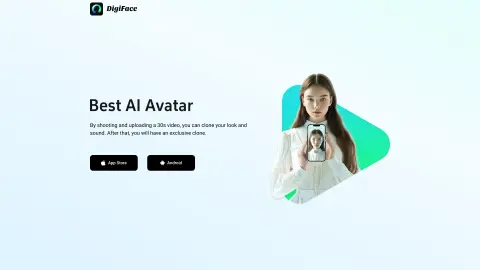
DigiFace uses 30-second videos and text to generate AI-generated avatar videos.
Introduction
DigiFace creates AI avatar videos from a 30s video and text.
What is DigiFace?
DigiFace allows you to seamlessly transform your appearance and voice into an engaging AI avatar video by simply recording and uploading a 30-second video. By entering text, you can instantly generate an AI avatar video with synchronized speech, saving time and improving productivity. With just one 30-second video recording, you can create a clone of yourself in terms of both appearance and voice – and thus obtain a unique digital version of yourself.
How to use DigiFace?
Record and upload a 30-second video to clone your appearance and voice. Then, enter the text you would like to have appear on your avatar, and DigiFace will generate an AI avatar video with that voice.
The core functions of DigiFace
Generation of AI avatars and videos
sound cloning
Physical appearance cloning
Text-to-speech avatar videos
Related
GPT Riddle
An escape room game where players compete against AI by solving puzzles.
MindMash
An AI-powered real-time multiplayer Q&A game platform.
Prompt Theory by AE Studio
An organization dedicated to the rapid development of technical products, as well as the creation of data science solutions and design-oriented approaches.
EasySBC
EasySBC offers AI-driven solutions for EA FC 25, including SBC Answering features and a Team Building tool.
AI Maze Generator
Online tools are used for creating, solving, and downloading custom maze puzzles.
Quino
Quino is an educational app that uses artificial intelligence to create engaging learning games based on the materials uploaded by users.