AI TOOL / #02871
Skylight
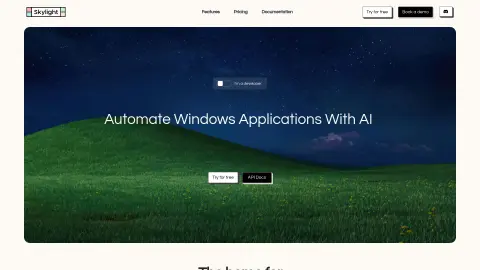
Skylight utilizes AI agents to automate Windows workflows and QA testing processes.
Introduction
Skylight automates Windows workflows and QA testing using AI agents.
What is Skylight?
Skylight provides virtual Windows computers for computers to use as proxies, allowing users to launch instances and deploy proxies that can be operated just like human beings in just a few seconds. It automates basic Windows workflows, including desktop applications that do not require APIs. Skylight’s AI-powered proxies interact with web applications in a visual manner, enabling users to identify errors before customers even become aware of them, create tests using simple language, reduce the costs associated with manual quality assurance processes, and release new features with confidence.
How to use Skylight?
Users can launch virtual Windows instances, deploy AI agents to interact with applications in a visual manner, create tests based on recorded data, and use natural language commands to build robust testing frameworks.
The core functions of Skylight
Provide virtual Windows computers for use by proxies.
Automating Windows workflows
AI-based QA testing
Creation of natural language tests
Session recordings used for debugging purposes
security authentication
Related
Whisper Notes
A local voice-to-text transcription application based on OpenAI's Whisper model.
NeuroChat.AI
A note-taking app that incorporates the NeuroChat.AI speech-to-text functionality.
Notulensi
An extension for Google Meet that provides real-time speech-to-text transcription and meeting recording capabilities.
TalkTastic
AI Keyboard Extension for macOS for voice writing in any app.
Gladia
The text-to-speech API offers capabilities for transcription, translation, and audio analysis.
SpeechGen.io
An AI-powered text-to-speech converter that provides realistic voiceovers.